
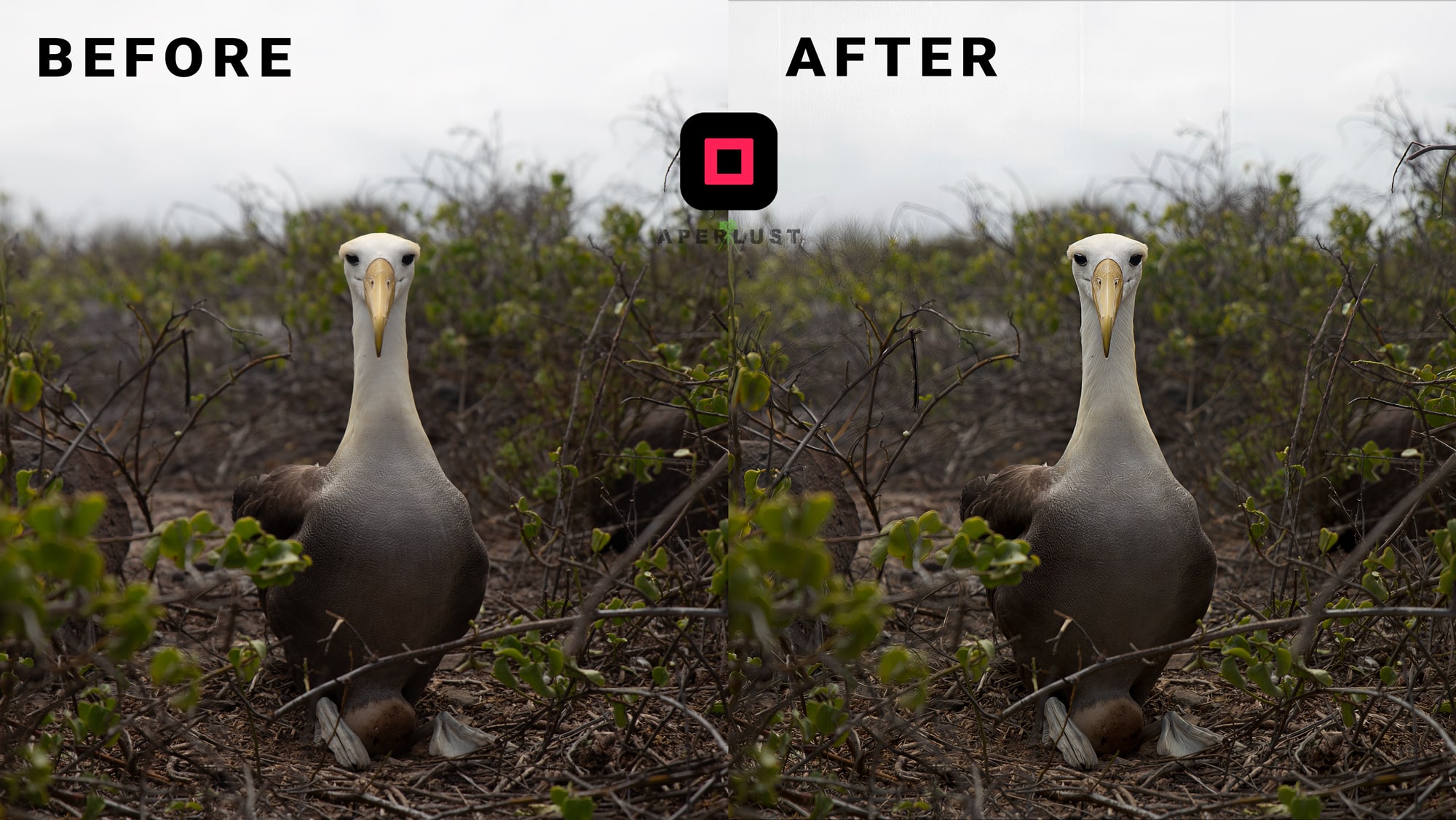
Gigapixel AI iOS Review TLDR: The iPhone and iPad versions of Gigapixel AI surprised me with the quality of face recovery and the 4x image enlargement. I didn’t expect this from a mobile app. It’s definitely a first for me. The face recovery feature is free. The pro features require credits where the image enhancements are processed in the cloud.
AI-powered photo upscaling has become popular on desktops that run Windows or Mac. The technology allows users to enhance photo resolution with a few quick steps.
Now, there is a mobile option for those who want to perform similar tasks on iPhones and iPads. Topaz Labs has made a name for itself in the AI photo-enhancement industry by offering reliable software on desktop platforms.
I decided to check how this tool fares on iOS devices to see if it meets the expectations set by its desktop predecessor.
My main goal in this review is to focus on the features, performance, and general usability of the mobile version. I tested this app on my iPhone 12 Pro, but I also had a chance to see how it feels on my iPad Air 4th generation. It felt important to see if the processing speed and final results held up across various devices.
Gigapixel AI iOS Review

Topaz Gigapixel AI relies on machine learning to upscale images beyond their original dimensions. The platform analyzes existing pixels and interprets what new details should be added. This method sets it apart from standard photo enlargement, which often leads to blurry results.
Its 4x resolution boost is appealing to photographers, designers, social media enthusiasts, and everyday users who want sharper images.
The biggest draw here is the AI-driven approach. Instead of stretching pixels, the software predicts detail. It’s especially nice for old photos that need refreshing or smartphone images that deserve a bit more clarity.
While it conceptually mirrors its desktop counterpart, the iOS version has fewer features than the one on Windows or Mac. In many cases, more advanced enhancements will require the Gigapixel AI desktop version.
It’s worth noting that Gigpixel iOS processes the free face recovery locally on your iOS device, whereas the pro feature of enhancing everything is processed in the cloud. This approach helps older iPhones and iPads since the heavy lifting doesn’t happen locally. In my testing, the app worked flawlessly on both my iPhone and iPad. Enhancing an image can take about a minute.
User Interface & Design
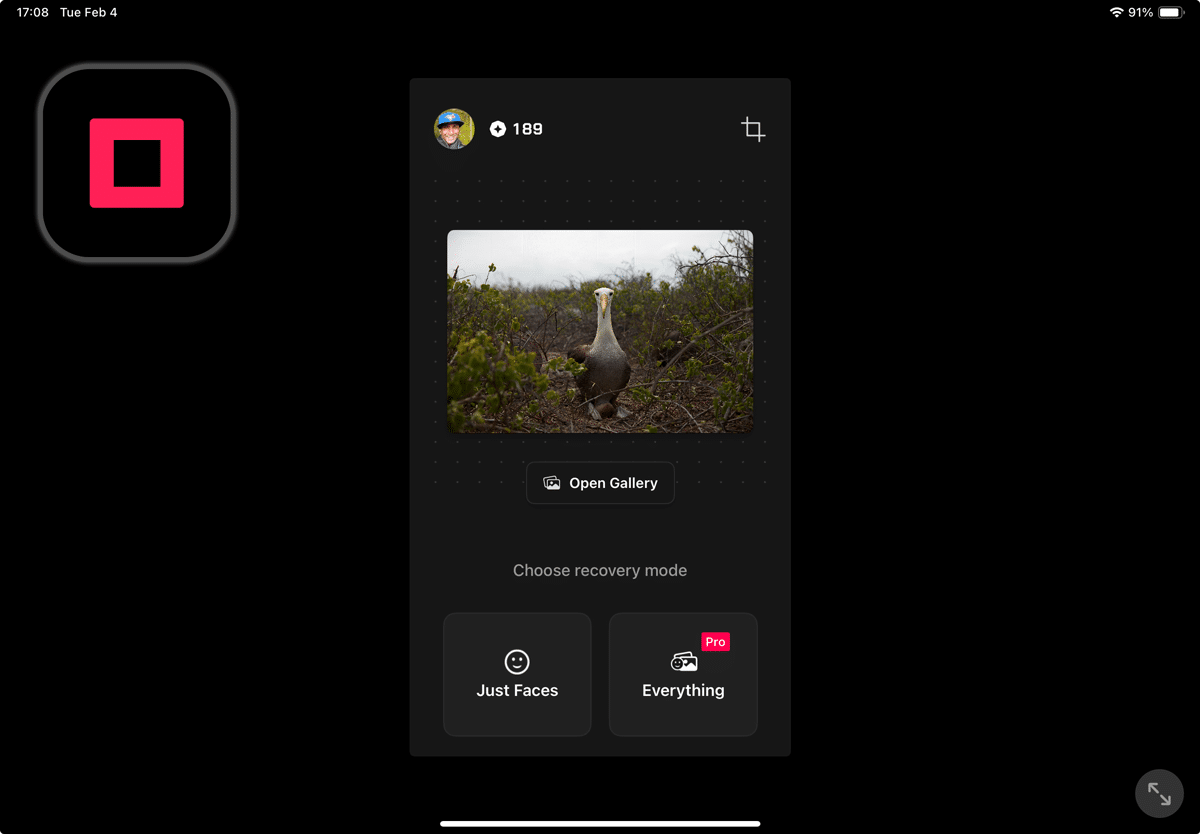
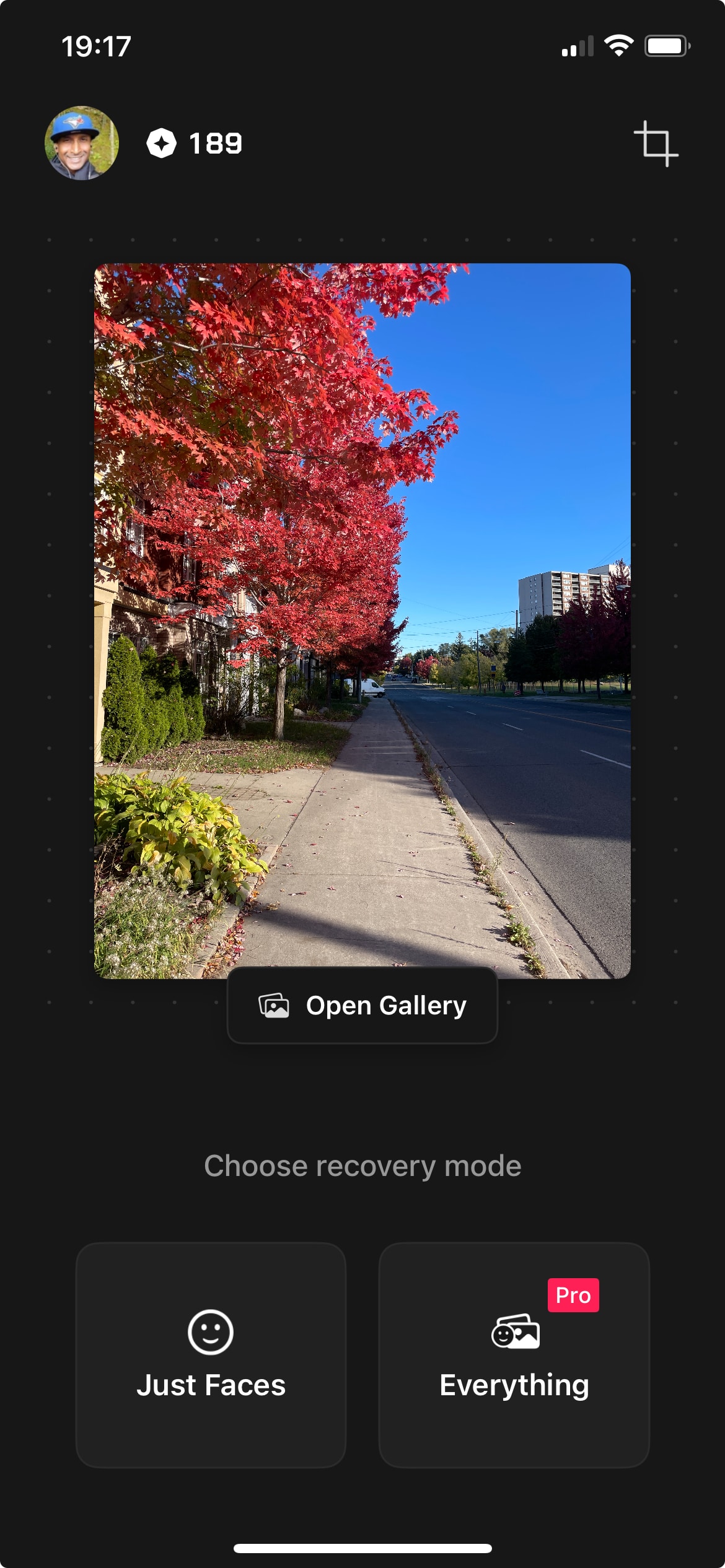
The iOS app opens to a clean interface on the iPhone’s smaller screen. On the iPad, there is more space, so menus feel less cramped. However, I noticed the iPad version doesn’t fully utilize the entire screen space, which is a bummer. Hopefully, this will be updated in the future.
Users can bring a photo in from their camera roll. The layout is easy to follow.
Gigapixel iOS has five presets:
- Low Res
- Motion Blur
- Default
- Really Blurry
- Old Photo
With each of the above presets you apply the following models:
- Creative: controls the realness of the image.
- Recovery Boost: Helps enhance blurry photos.
Core Features & Capabilities
The primary function is to enlarge images far beyond their original size, which can be important for photographers who need prints or folks who crop heavily for social media.
The software also reduces noise, so grainy shots often look smoother. Sharpening is built in, although I didn’t push the settings too far in case the edges looked unnatural and wasted cloud credits
Processing multiple images in one go is not possible on the mobile version.
Pros and Cons
The biggest plus is how it delivers high-detail enlargements by relying on AI. The interface feels direct, and the results are professional quality for mobile.
On the negative side, older devices could see slower performance for recovering faces, although cloud rendering helps with the pro features.
Final Verdict
Gigapixel AI on iOS has plenty of promise, even though it lacks some functionality available on the desktop. The 4x resolution boost works wonders for many users who want crisp enlargements or better detail on low-resolution images.
Anyone serious about mobile photography and content creation should consider Gigapixel AI for iOS. I prefer working on big projects on my computer, but the iOS version is handy for quick edits on the go. I hope this review sheds light on how the app performs.