Topaz Gigapixel AI Review

Topaz Gigapixel AI Review

Topaz Gigapixel AI is an advanced image enlarging software that uses artificial intelligence to upscale photos by up to 600% without losing quality. It often enhances the final photo by restoring detail with extra pixels. Related: You should also check out Topaz Photo AI, which also enlarges images. If you’re looking for a cheaper alternative, … Read more

Topaz Mask AI Review – Does it Mask Well?

Topaz Mask AI Review

Masking in photography can sometimes be a time-consuming task in photo editing. Topaz Labs has created Mask AI to make the masking process faster. This Topaz Mask AI review will give you a quick run-through of the software. Follow this link and use coupon code aperlust for a 15% discount off Mask AI. My Topaz … Read more

7 Reasons to Switch from Lightroom to Capture One

switch from lightroom to capture one

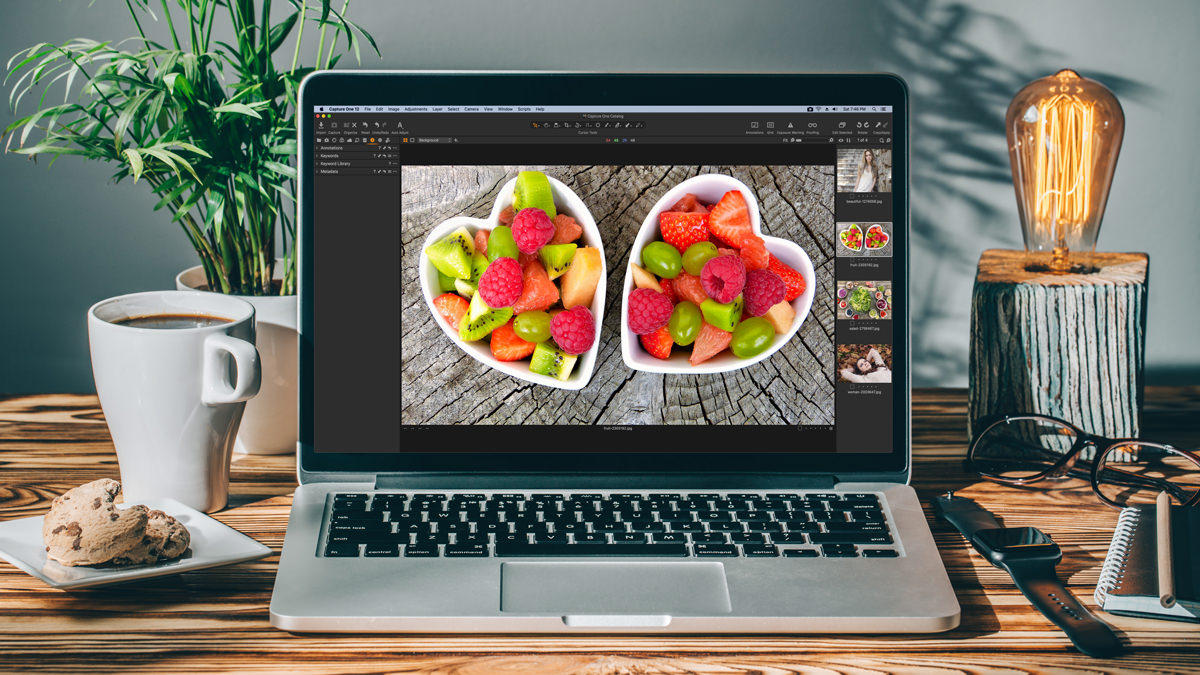
[et_pb_section fb_built=”1″ _builder_version=”3.22″ custom_padding=”0|0px|0|0px”][et_pb_row _builder_version=”3.25″ background_size=”initial” background_position=”top_left” background_repeat=”repeat” custom_padding=”16px|0px|0|0px”][et_pb_column type=”4_4″ _builder_version=”3.25″ custom_padding=”|||” custom_padding__hover=”|||”][et_pb_text _builder_version=”4.4.5″ header_2_font=”|600|||||||” header_3_font=”|600|||||||” header_4_font=”|600|||||||” header_4_line_height=”1.5em” custom_margin=”|||” custom_padding=”|||” hover_enabled=”0″ header_font_size_tablet=”” header_font_size_phone=”” header_font_size_last_edited=”on|phone” header_2_font_size_tablet=”” header_2_font_size_phone=”22px” header_2_font_size_last_edited=”on|desktop” header_3_font_size_tablet=”” header_3_font_size_phone=”” header_3_font_size_last_edited=”on|desktop” header_4_font_size_tablet=”” header_4_font_size_phone=”” header_4_font_size_last_edited=”on|desktop” header_4_line_height_tablet=”” header_4_line_height_phone=”” header_4_line_height_last_edited=”on|desktop”] Capture One is gaining more and more recognition as the go-to photography software for image management and editing. In … Read more

How to Use the Luminar 4 AI Sky Replacement Tool

how to use the luminar 4 sky replacement

[et_pb_section fb_built=”1″ _builder_version=”3.22″ custom_padding=”0|0px|0|0px”][et_pb_row _builder_version=”3.25″ background_size=”initial” background_position=”top_left” background_repeat=”repeat” custom_padding=”16px|0px|0|0px”][et_pb_column type=”4_4″ _builder_version=”3.25″ custom_padding=”|||” custom_padding__hover=”|||”][et_pb_text _builder_version=”4.4.1″ header_2_font=”|600|||||||” header_3_font=”|600|||||||” header_4_font=”|600|||||||” header_4_line_height=”1.5em” custom_margin=”|||” custom_padding=”|||0px||” hover_enabled=”0″ header_font_size_tablet=”” header_font_size_phone=”” header_font_size_last_edited=”on|phone” header_2_font_size_tablet=”” header_2_font_size_phone=”22px” header_2_font_size_last_edited=”on|desktop” header_3_font_size_tablet=”” header_3_font_size_phone=”” header_3_font_size_last_edited=”on|desktop” header_4_font_size_tablet=”” header_4_font_size_phone=”” header_4_font_size_last_edited=”on|desktop” header_4_line_height_tablet=”” header_4_line_height_phone=”” header_4_line_height_last_edited=”on|desktop”] Luminar 4 can easily detect the sky in most images, create a mask in the background, and apply a … Read more