

Last updated on December 24th, 2024 at 12:29 pm
Neutral density (ND) filters are among the most valued tools for photographers and filmmakers looking to elevate their craft.
Designed to control light exposure, ND filters ensure your photo or video stays balanced, even in the most testing lighting conditions.
For content creators using the DJI Osmo Pocket 3, these filters unlock opportunities for cinematic visuals. While many might focus solely on the tiny camera’s portability, adding ND filters can dramatically expand its capabilities.
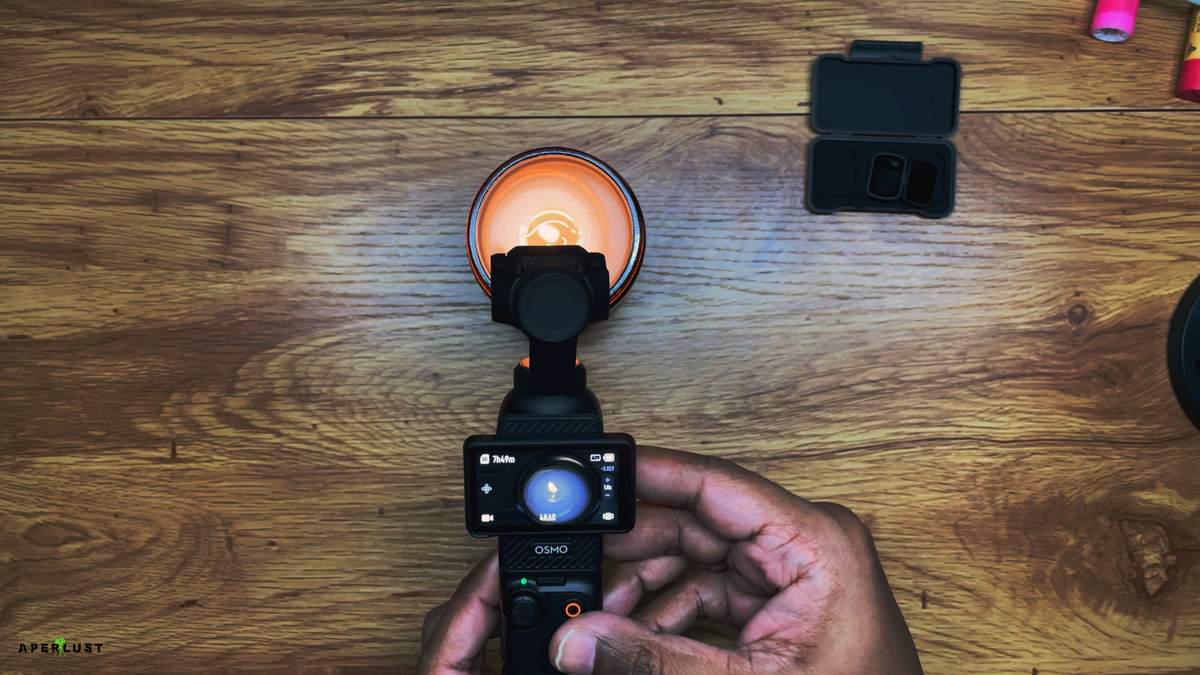
In the video below, I unbox the magnetic 3-piece ND filters to use on my Osmo Pocket 3. You can also watch the initial unboxing of the Osmo Pocket 3.
ND16, ND64, ND256 – Purpose and Performance
Each ND filter serves a different purpose based on the light intensity of your shooting environment.
- ND16: Designed for slightly over-bright conditions, the ND16 reduces light by four stops. It’s an excellent fit for cloudy days or shaded areas where you want clear, vibrant footage without harsh highlights overpowering your scene.
- ND64: With six stops of light reduction, the ND64 is your go-to Filter for brighter midday shoots. Whether you’re shooting in direct sunlight or surrounded by reflective surfaces, this Filter keeps exposure levels balanced. It’s convenient for creating natural motion blur in these conditions.
- ND256: The ND256 is the heavyweight among these filters, cutting down light by eight stops. It is perfect for extreme brightness—think snow-covered mountain ranges under a bright afternoon sun or ultra-clear beaches at noon. With this Filter, you can achieve slower shutter speeds and explore creative effects like blurred water motion.
Why ND Filters Matter for Vlogging and Filmmaking
For vloggers or filmmakers, exposure control is everything. Without ND filters, shooting in bright outdoor conditions can lead to overexposed, washed-out visuals. But this is where ND filters shine.
These filters reduce the amount of light entering your camera, allowing you to keep your settings within an optimal range.
For instance, achieving a cinematic look often requires a slower shutter speed for natural motion blur. ND filters enable this without overexposing the shot.
Consider using ND filters while filming time-lapses, action shots, or even aesthetically blurred backgrounds. They maintain consistency in varying lighting conditions, giving your content a polished, professional touch.
Tips for Using ND Filters with the DJI Osmo Pocket
It’s one thing to understand the purpose of ND filters. Using them effectively is another story. Keep these tips in mind to get the most out of your DJI Osmo Pocket ND filters:
- Match the Filter to the Light: Always assess your environment before choosing a filter. Use the ND16 for mild sunlight, ND64 for stronger sunlight, and ND256 for high-intensity brightness scenarios.
- Check Your Shutter Speed: A quick rule of thumb for cinematic footage is to use a shutter speed double your frame rate (e.g., 1/48 for shooting at 24 fps). Adjust your ND filter until you reach the desired settings while maintaining proper exposure.
- Pair with Manual Settings: Use the Osmo Pocket’s manual settings to fine-tune your footage quality. ND filters work best when paired with control over aperture (however, the Osmo Pocket’s aperture is fixed), ISO, and shutter speed.
- Clean the Filters Regularly: Smudges or dust on your ND filters can reduce image clarity. Keep a microfiber cloth on hand to ensure the filters are clean before attaching them.
- Experiment with Movement: Try panning with ND filters to introduce seamless motion blur. This technique adds depth and movement to your videos and enhances storytelling.
Final Thoughts
Though many photographers and filmmakers use ND filters to create visual effects, the most practical is to reduce overblown highlights.
The Osmo Pocket 3 camera lens has an aperture of f/2, which leads to highlight clipping, even on bright winter days. If you’re a YouTube content creator or Instagrammer, you’ll need an ND filter, especially if you plan to travel to the tropics.